Entradas

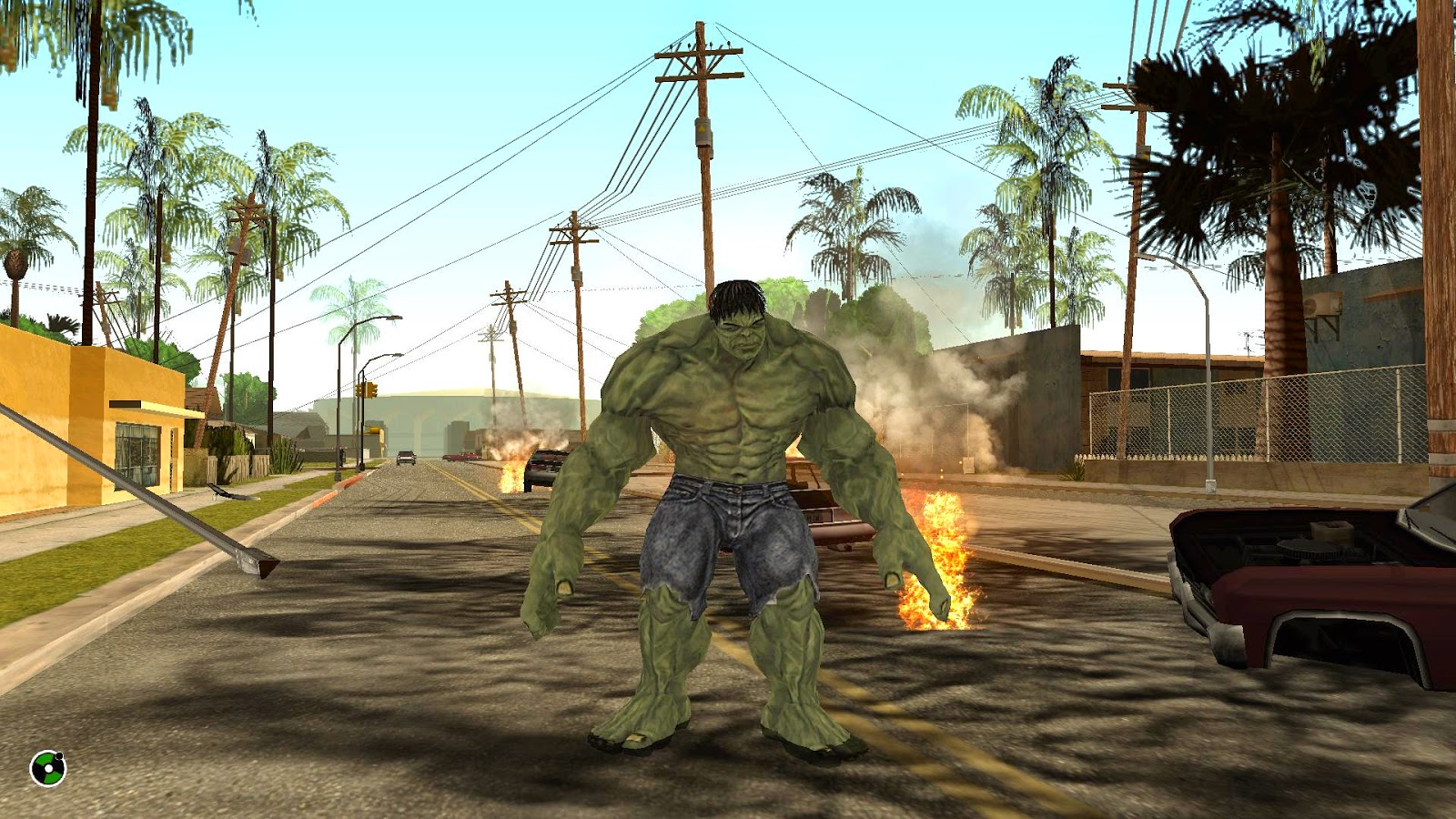
GTA SA Marvel Avengers - Hulk

Imagen
enjoy these pictures..  :D until now, is really nice....

C++, VB, C# & GTA San Andreas

Imagen
If you want to use some programming language, besides CLEO, then, you'll like these. what about if we move forward using other programming language? what do you need? Know some programming language. Visual Studio -any-  (recommended) or any program that can compile class library. A lot of patience & perseverance.

Working on...

Imagen
ok, I'm going to show you a little something that I've been working on. Mei Terumi InGame custom costume to do, something different...

GTA SA LOD Map Files Tutorial

what is LOD ? LOD  models are the low  level of detail  versions of the original models. This is what you see loaded far away. As you get closer to the LOD model, it should change to the original model if it has one. take note; They are Low Level Detail!! why do I did it like so?  basically I only copied the original Model. answer: THIS is a TUTORIAL. I'm teaching you how to put LOD models successfully. You need to use your SKILLS to create the Low Level Detail of your models. Why is necessary to do that? it works like is shown in the video. answer: if you do it like so, you'd screw your game, because that means that the engine will load 2 high resolution models for each model!!! use common sense, use the LOD models, only for the "base" map, there is no need to overload the game. I'll upload a Plugin, which allows to have More IMG files. To avoid your game closes. Go to my ARCHIVE (top-left side)    ->  Map Files Fol...
Useful Snippets

here is a list of some snippets that I used... NOTE:  Snippet = part of code!              this is not a full working script! I hope this could be useful for you.... ;) GTA SA Check Car Immunities Display Car name by scm function Change Color race checkpoint Get Player MAX breath Subtract Money function Player rotate  without weapon Save objects in Memory Pool  // CLEO 4 Get Angle Between Points function Get CAR Exhaust Pipe Offset CODES

Obito KAMUI

we have more than 1 year working on this, because I stopped coding for SA. it gave us a lot of problems this thing... but finally here is... You can find it, in my ARCHIVE as Obito Kamui How to USE;   (watch video) Aim Weapon =  to aim a ped Aim Weapon + Fire Button   =  to select ped for jutsu TAB + 1   = to teleport into map TAB + 2 (or fall) = to go back  Author Notes; --by default is turned on. to turn it off, open -> obito_config.ini and change this; [MODE] value = 1 for this; [MODE] value = 0 --if you don't like to kill peds, change the "quantity" of damage that will receive the ped. [HEALTH] value = 100 --if you don't like Shader Effects, change this; [SHADER] value = 1 for this; [SHADER] value = 0 I added the skin also, it is fully compatible with my HUD-full burst. to change the skin type as a Cheat;  tobiskin or do it by your own way. WARNING: Shader Effects needs that your Graphic Card ...

Wanted Level Alarm

I'm going to start uploading all those personal scripts that I ever done... :P some of them are funny, but this one, always put me nervous while I had any wanted level in game :P check it by yourself as always, you can find it in my ARCHIVE here is a preview of the code; {$CLEO} const     path_song1   = "cleo\mp3\alarm3.MP3"     path_song2   = "cleo\mp3\alarm2.MP3"     path_song3   = "cleo\mp3\alarm1.MP3" end 0000: :start wait 0 if or 8AAB:  not file_exists path_song1 8AAB:  not file_exists path_song2 8AAB:  not file_exists path_song3 then     0A93: end_custom_thread   end :main wait 0 01C0: 15@ = player $PLAYER_CHAR wanted_level if 15@ == 6 then         2@ = 6         3@ = 6         0AAC: 0@ = load_mp3 path_song1         wait 100         0AAF: 1@ = get_mp3_length 0@         1@ ...